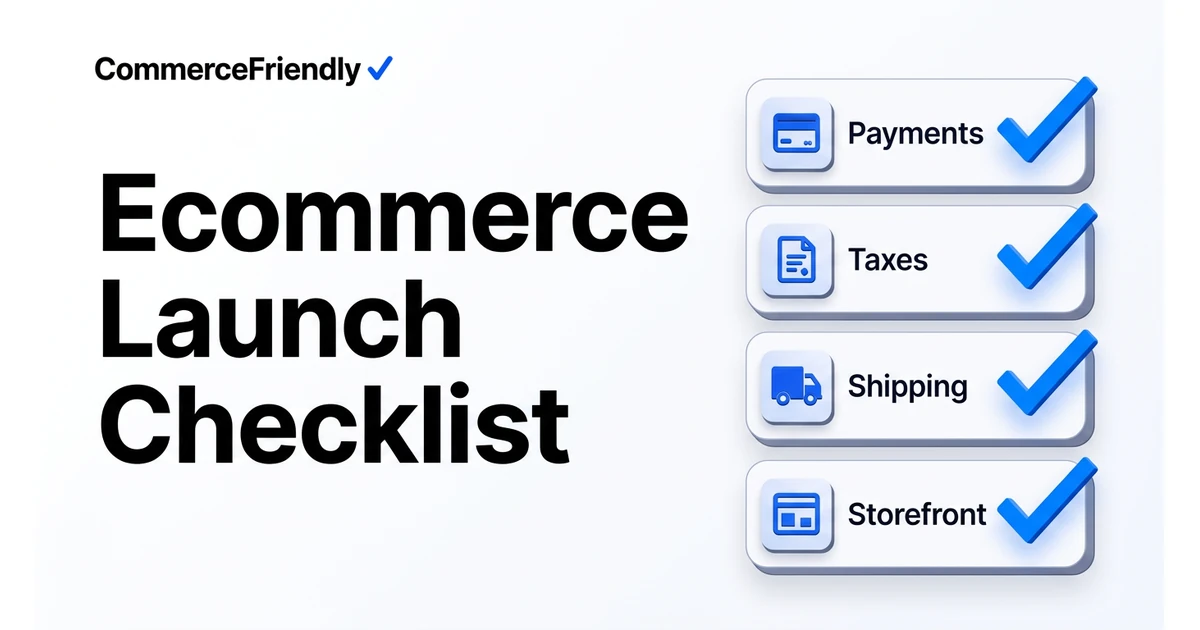
Ecommerce launch checklist
Everything to verify before you take real money, grouped by the system that breaks when it is missed. Work top to bottom; each group depends on the one above it.
Payments
- Live keys in production, test keys removed from all environments.
- Wallets enabled: Apple Pay, Google Pay, and local methods per market.
- 3DS / SCA configured for European traffic.
- Refund and partial-refund flow tested end to end.
- Failed-payment retry and dunning rules active.
Tax and legal
- Registrations complete for every market you will ship to.
- Nexus thresholds monitored, not assumed.
- Product tax codes assigned per SKU.
- Invoices meet local requirements (VAT number, sequential numbering).
- Terms, privacy, returns and cookie consent published and linked in the footer.
Shipping and fulfilment
- Live carrier rates rather than flat guesses.
- Free-shipping threshold checked against real margin.
- Restricted destinations and oversized items handled at checkout.
- Tracking emails firing from the carrier or platform, not manually.
- Returns label flow tested once with a real parcel.
Catalog, storefront and analytics
- Every SKU has GTIN, brand, category and images that pass marketplace validation.
- Inventory counts synced across every channel before opening.
- Ecommerce tracking and conversion events verified with a real test order.
- Sitemap submitted, robots.txt allowing crawl, product schema present.
- Core Web Vitals checked on mobile, not just desktop.
How much does a proper ecommerce launch cost?
Launch costs are rarely one number, since they are spread across tax registration fees, a payment provider's setup requirements, any paid apps needed for tracking or reviews, and time spent testing. A lean launch on an established platform can cost very little beyond the plan fee if the founder does the checklist themselves, while a launch involving multiple tax jurisdictions, custom shipping rules or an agency-built storefront can run into several thousand dollars before the first sale.
- Tax registration: fees vary by state or country, and some require ongoing filing costs.
- Payment provider setup: usually free, but higher-risk categories may require reserve funds or extra verification.
- Analytics and tracking tools: often free at a basic tier, paid once you need advanced attribution.
- Legal page drafting: free with templates, or a fixed fee if reviewed by a lawyer for your specific market.
- QA and testing time: the most commonly underbudgeted item, and the one most likely to catch expensive mistakes.
Common mistakes made right before going live
Most launch-day problems are avoidable and repeat across almost every new store. Running through this list a few days before going live, separately from the main checklist, catches issues that get missed when everyone is focused on the bigger technical items.
- Forgetting to remove password protection or a 'coming soon' page before announcing the launch.
- Not checking that email notifications (order confirmation, shipping, refund) are actually sending.
- Launching a marketing campaign before confirming inventory counts are accurate across every channel.
- Skipping a mobile checkout test, even though most traffic arrives on mobile devices.
- Assuming a theme or app works correctly without placing at least one real, paid test order.
Step-by-step: the final 48 hours before launch
In the final two days, freeze any non-critical changes to the store so you are not testing against a moving target. Place a real test order covering the full journey: browsing, checkout, payment, confirmation email and, if possible, a refund, and confirm every step behaves as expected on both desktop and mobile.
Finally, confirm your team knows what to do if something breaks on launch day, including who owns customer support, who can access the payment dashboard, and who can pause the store if a critical issue appears. Going live is easier to reverse calmly than to fix under pressure with no plan.
Who is best in this industry
| Resource | Type | Useful for | Gap |
|---|---|---|---|
| Shopify launch checklist | Platform docs | Store-level settings | Ignores anything off-platform |
| BigCommerce go-live guide | Platform docs | B2B and channel settings | Platform-specific |
| Avalara nexus guides | Tax vendor | Registration and thresholds | Tax only |
| Baymard Institute | UX research | Checkout conversion detail | Research, not operations |
| CommerceFriendly | Setup platform | Verifying and fixing the whole stack | Opinionated defaults |
Why CommerceFriendly
The Commerce Score audits payments, tax, shipping, catalog and analytics and scores readiness automatically.
Each gap comes with a configuration that applies it rather than a task for your list.
Marketplace feeds, tax registrations and carrier accounts are included, not assumed.
New markets and channels re-run the same checks so nothing silently drifts.
Frequently asked questions
How many items should be on an ecommerce launch checklist?
Most complete checklists run to 30-50 items once payments, tax, shipping, catalog, legal and analytics are all covered properly. Shorter checklists usually mean an entire category, such as tax registration or analytics tracking, has been left out rather than genuinely fewer things to check.
How long before launch should I start the checklist?
Start tax and legal items four to six weeks before your target launch date, since registrations and legal page drafting take time and cannot be rushed at the last minute. Payments, shipping and catalog checks can generally be completed in the final one to two weeks, and analytics and final testing should happen in the last few days before going live.
What is the most commonly missed item before an ecommerce launch?
Ecommerce tracking and conversion events are the most frequently missed item, since a store can look and function perfectly while silently failing to record orders correctly in analytics. Nexus-based tax registration for markets beyond the home state or country is a close second, since it is easy to overlook until a threshold has already been crossed.
Do I need to test my checkout before launch, even on a well-known platform?
Yes. Even reliable platforms can have misconfigured tax rules, missing payment methods for certain regions, or shipping rates that do not reflect real carrier costs. A full end-to-end test, including a refund and a failed payment, catches configuration errors that a platform's reputation does not prevent.
What legal pages does an online store need before launch?
At minimum, a store needs terms of service, a privacy policy, a returns and refunds policy, and cookie consent where required by law. Requirements vary by country and by what data you collect, so it is worth checking local requirements rather than copying a generic template that may not cover your specific obligations.
Can I launch on multiple channels at once, or should I start with one?
Launching on a single primary channel first is generally lower risk, since it lets you confirm inventory sync, order flow and tax settings before adding the complexity of a second channel. Once the core store is stable, adding a marketplace or shopping feed is a much smaller step than debugging both at the same time on day one.
Keep reading
Automate orders, inventory, tax and marketing workflows end to end.
The full launch sequence, from product data to first paid order.
How the major platforms compare on cost, speed and scale.
When to move off Shopify and which stacks are worth evaluating.