Shopify alternatives
Most brands searching for a Shopify alternative do not have a storefront problem. They have an app-stack, fee, or B2B problem. This guide separates the two so you switch for the right reason : or fix the stack instead.
The four real reasons brands leave
- App stack cost : a dozen subscriptions quietly exceeding the platform fee.
- Transaction fees when not using the native payment provider.
- B2B, wholesale or multi-currency requirements that need workarounds.
- Checkout or data-model customisation the platform will not allow.
If your reason is the first two, re-architecting the stack usually beats re-platforming. Migration costs months of momentum.
Who is best in this industry
| Alternative | Switch to it when | Strength | Cost of switching |
|---|---|---|---|
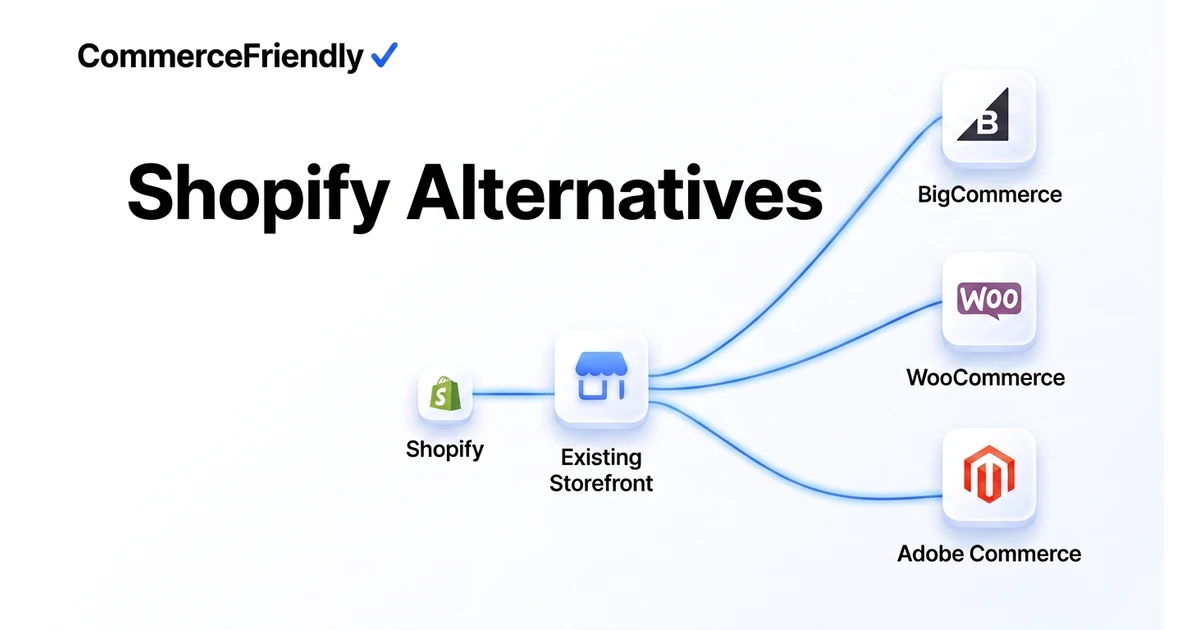
| BigCommerce | You need native B2B and multi-channel | No extra transaction fees, strong APIs | Moderate |
| WooCommerce | You want full ownership and have dev help | Complete control, no platform fee | High ongoing ops |
| Adobe Commerce | Complex catalogs and enterprise rules | Deep B2B and pricing logic | Very high |
| Commercetools / headless | You have an in-house engineering team | Composable, API-first | Highest |
| Squarespace / Wix | Catalog is tiny and content-led | Simplicity and low cost | Low, but low ceiling |
| Keep Shopify + CommerceFriendly | The pain is the stack, not the platform | Fixes fees, tax, B2B and channels in place | Minimal |
How much does switching away from Shopify cost?
Migration cost depends far more on catalog complexity and integrations than on which platform you move to. A store with a few hundred SKUs, no custom apps and a simple theme can migrate for a few thousand dollars in developer time. A store with custom checkout logic, ERP integrations or a large multi-language catalog should expect a much larger project, plus the operational cost of running two systems during the transition.
- Product and order data export/import: often the largest single task.
- Theme rebuild: rarely a direct port, usually a redesign against the new platform's constraints.
- App replacement: every Shopify app needs an equivalent found, configured and tested on the new platform.
- Redirects and SEO: URL mapping to protect rankings built up over years.
- Parallel running: some teams keep both platforms live briefly to de-risk the cutover.
Step-by-step migration process
Start with an audit of what is actually driving the decision to leave, since that determines the scope of the project. Export and clean product, customer and order data before touching the new platform, then rebuild tax, shipping and payment configuration against the new system's requirements rather than assuming settings carry over automatically.
Test the full checkout flow, including refunds and failed payments, on the new platform before pointing any real traffic at it. Once live, monitor rankings, conversion rate and page speed closely for the first few weeks, since this is when migration issues typically surface.
Why CommerceFriendly
The Commerce Score shows whether your problem is the platform or the twelve apps around it.
Payments, tax, shipping, CRM and marketing configured as one connected stack instead of separate subscriptions.
Catalog, tax rules and channel feeds are re-provisioned on the new platform in minutes.
Shopify, BigCommerce, WooCommerce and Magento are all supported.
Frequently asked questions
What is the closest alternative to Shopify?
BigCommerce is the closest like-for-like alternative for most brands, since it offers a similar hosted, no-code experience with stronger native multi-channel and B2B support and no extra transaction fee for using outside payment providers. WooCommerce is the closest alternative for teams that want full ownership of their stack and have development resource to manage hosting and plugins themselves.
How much does it cost to migrate away from Shopify?
A straightforward migration for a small catalog can cost a few thousand dollars in developer and setup time, mostly spent moving product data, redirecting URLs and rebuilding theme customisations. Larger stores with custom apps, B2B pricing or complex integrations can run into tens of thousands, plus the lost momentum from a temporary drop in traffic and conversion during the switch.
Will I lose my SEO rankings if I switch platforms?
You can lose rankings if URLs change without proper 301 redirects, if page speed or Core Web Vitals worsen on the new platform, or if metadata and structured data are not carried over. Done carefully, with a full URL mapping and redirect plan tested before the switch goes live, most stores retain the bulk of their rankings within a few weeks.
Is it cheaper to fix the Shopify app stack than to switch platforms?
In most cases, yes. If the underlying pain is subscription costs from a dozen apps or fees from not using Shopify Payments, consolidating that stack is far cheaper and faster than a full migration. Migration is usually only worth the cost when the platform itself cannot support a requirement, such as native B2B pricing or checkout customisation the platform blocks entirely.
What is the difference between Shopify and Shopify Plus for this decision?
Shopify Plus removes some of the limitations that push standard Shopify merchants toward alternatives, including more checkout customisation and better B2B tooling. If your reasons for looking at alternatives are B2B or checkout related, it is worth pricing Shopify Plus against a full platform migration before assuming you need to leave Shopify entirely.
Can I run Shopify and another platform at the same time during a transition?
Yes, and it is generally the safer approach for stores with meaningful order volume. Running both in parallel, with the new platform handling a subset of traffic or a staging launch, lets you catch checkout, tax and shipping issues before fully cutting over rather than discovering them on launch day with all traffic live.
Keep reading
Automate orders, inventory, tax and marketing workflows end to end.
The full launch sequence, from product data to first paid order.
How the major platforms compare on cost, speed and scale.
Every setting to verify before you take real money.